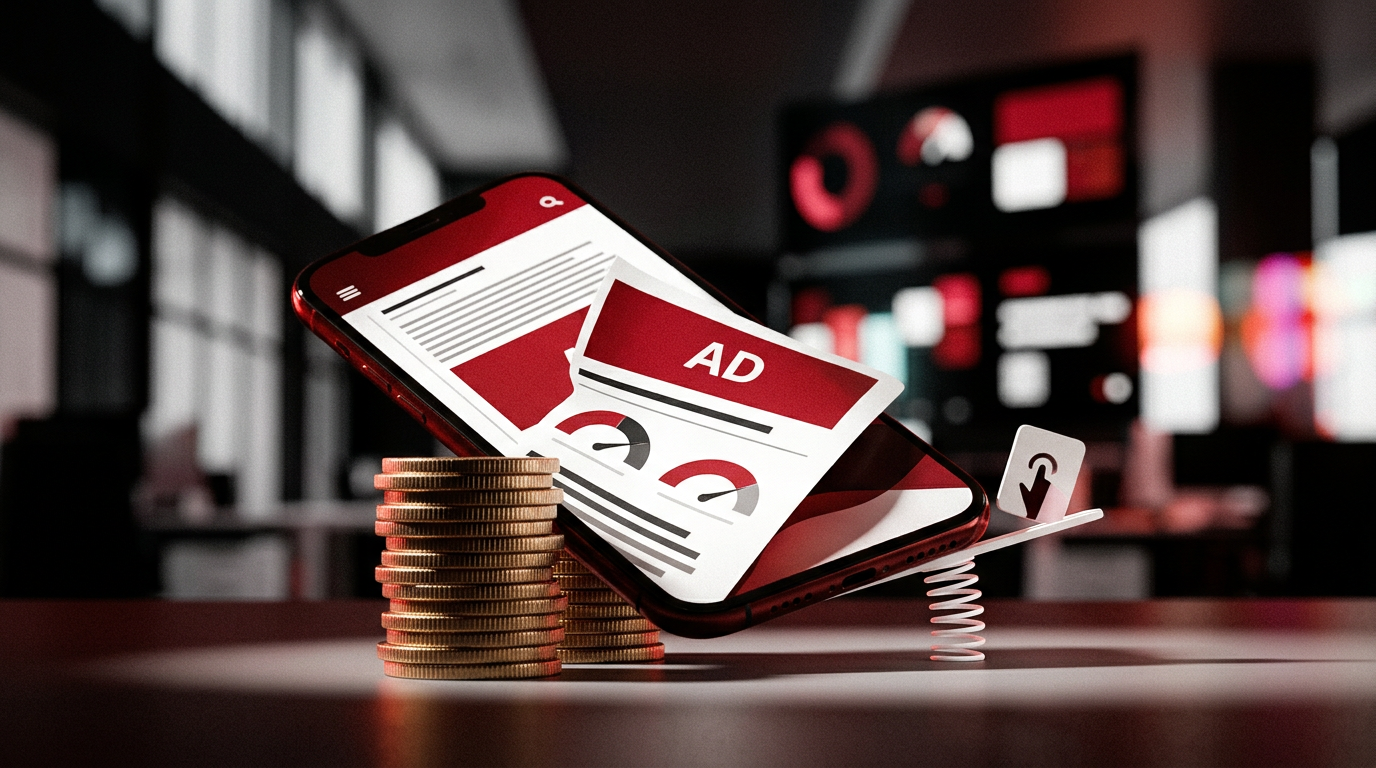
INP turned ad layout into a revenue problem
A publisher can pass LCP, keep CLS under 0.1, and still ship a page that feels broken when the reader taps the menu, opens a filter, or tries to close a sticky ad. That is the INP problem.
The old ad layout argument was mostly about speed and layout shift. Can the page load fast enough? Does the ad slot push the article down? In 2026, the sharper question is whether your ad stack blocks the next user action. Header bidding, Google Publisher Tags, consent banners, video players, affiliate widgets, analytics, and heatmaps all want main-thread time. The user wants the page to respond.
Search teams care because Core Web Vitals are field signals in Google Search Console and Chrome UX Report. Revenue teams care because removing every ad unit is not a business model. The job is not to make a sterile page. It is to make money without training readers to leave.
What changed by 2026
Interaction to Next Paint, or INP, replaced First Input Delay as a Core Web Vital in March 2024. By 2026, this is no longer a future concern or a Lighthouse footnote. It is part of the operating dashboard for serious publishers, ecommerce sites, and ad-supported tools.
The three Core Web Vitals still map to simple user pain:
- LCP: the main content should load in 2.5 seconds or less.
- INP: interactions should respond in 200 milliseconds or less.
- CLS: unexpected layout shift should stay under 0.1.
Those thresholds are judged from field data, usually at the 75th percentile. That matters. Your CEO's fast laptop on office Wi-Fi does not represent a reader on a mid-range Android phone with four ad auctions, a CMP, and a video player loading at once.
INP is tougher than FID because it does not only inspect the first tap. It looks across the page session and focuses on the slowest meaningful interaction, with some handling for outliers. A page can feel fine at first and fail later when the reader expands comments, taps a related article carousel, opens search, closes an overlay, or interacts with a product widget.
Google has also made it clear over the years that page experience is not a magic ranking wand. Helpful content, intent match, links, brand demand, E-E-A-T signals, and query relevance still carry more weight. But a slow, jumpy, unresponsive site creates a tax. It hurts crawl efficiency, user behavior, ad viewability, repeat visits, and conversion. Ranking is only one line on the damage report.
Why ad layouts hurt INP
Ads do not hurt INP because ads are morally bad. They hurt INP because modern ad delivery is a coordination problem.
A typical monetized article may run a CMP, Google Ad Manager or AdSense, Prebid, multiple demand partners, analytics, affiliate scripts, newsletter capture, social embeds, and maybe a video player. Each script can schedule work on the browser's main thread. When that work runs during a user interaction, the tap waits. The browser cannot paint the response until the queue clears.
Common INP offenders include:
- Heavy header bidding auctions that start too early or run too often.
- Third-party scripts with long tasks over 50 milliseconds.
- Sticky ads that reflow content or attach expensive scroll listeners.
- Lazy-loaded slots that render at the exact moment the user tries to interact.
- Consent banners that block the main thread before the page becomes usable.
- Video ads that initialize players before the reader has shown any intent.
- Infinite scroll pages that keep adding DOM nodes without cleanup.
FID missed a lot of this because it only measured delay before the first input. INP exposes the whole page experience. That is why many publishers felt blindsided after the metric switch. Their homepage looked fine in a lab test. Their article template failed in the wild.
Kahneman's loss aversion explains the internal fight. Teams often feel the pain of losing a visible ad slot more sharply than the quieter cost of slower pages. A $0 RPM drop is obvious in the dashboard. The reader who leaves one page earlier is easier to ignore. INP forces that hidden cost into view.
The revenue tradeoff nobody likes
More ad slots usually raise page RPM until they start damaging the session. Then the math gets uglier.
If you add another in-content unit, page RPM may improve. If that unit delays taps, lowers scroll depth, causes rage clicks, or makes the next pageview less likely, session RPM can fall. This is where publishers get trapped. They optimize the page like it exists alone. Readers experience the site as a sequence.
Use the Pareto principle here. A small number of placements often create most of the revenue and most of the damage. The top leaderboard, first in-content ad, sticky footer, right rail, and video unit deserve more scrutiny than the tenth lazy-loaded slot nobody sees. Do not treat all impressions as equal.
There is also a policy angle. Google Publisher Policies and Google AdSense rules are not just paperwork. Deceptive layouts, accidental clicks, intrusive behavior, and invalid traffic risk can turn an aggressive revenue test into an account problem. If the design makes closing an ad hard, hides content, or creates misclicks, you are not optimizing. You are creating a liability.
A better frame is simple: maximize profitable attention, not raw impressions. That means the ads that remain should be viewable, clearly separated from content, fast enough not to block interactions, and valuable enough to justify their cost.
A 5-step INP and ad revenue playbook
1. Segment your field data by template and device
Start with real users. PageSpeed Insights, Chrome UX Report, Search Console Core Web Vitals, and your own RUM setup will tell different parts of the story. Lighthouse is useful for debugging, but it is not the scoreboard.
Break results into groups:
- Article pages.
- Home and section pages.
- Product or review pages.
- Logged-in pages if you have them.
- Mobile versus desktop.
- Ad-light versus ad-heavy templates.
If you only look at origin-level Core Web Vitals, one bad template can hide inside an average. Most publishers have a few repeat offenders. Find those first.
2. Map every revenue script on the page
Create a plain inventory. Not a vendor slide. A real list.
Include Google Publisher Tags, Prebid wrappers, AdSense blocks, CMP scripts, video players, affiliate widgets, analytics tags, Meta Pixel, TikTok Pixel, GA4, server-side tagging endpoints, heatmaps, and any old tag manager leftovers.
For each script, answer:
- Who owns it?
- What revenue or measurement job does it perform?
- Does it run before the first interaction?
- Does it create long tasks?
- Can it be delayed, removed, or moved server-side?
Old tags are entropy. They accumulate because nobody wants to be the person who removes something. Assign owners or delete them.
3. Reserve space before ads render
CLS is not dead just because INP is the louder issue. Layout stability still protects revenue because stable ads get seen without annoying the reader.
Reserve slot dimensions with CSS. Use responsive size mapping in Google Ad Manager. Set realistic minimum heights for in-content placements. Avoid inserting an ad above the paragraph the reader is currently reading. For fluid ads, test the worst-case size on common mobile widths.
A common mistake is lazy loading the ad request but not reserving the slot. The ad arrives late, the text jumps, the reader taps the wrong thing, and now you have a user trust problem plus possible invalid click risk.
4. Delay non-critical ad work until the page can respond
Not every monetization script deserves first priority. The main content, navigation, and first interaction path should win.
Practical moves:
- Load critical CSS and the article shell before heavy ad code.
- Start auctions after consent is resolved, but avoid making the CMP itself heavier than the page.
- Lazy load below-the-fold ads with sensible fetch and render margins.
- Avoid initializing video until the player is near view or the user shows intent.
- Break long JavaScript tasks into smaller chunks where you control the code.
- Remove scroll listeners that run constantly; use IntersectionObserver when possible.
Be careful with delay as a blanket fix. If you delay too much, viewability and fill can suffer. The point is sequencing. Let the page become usable, then monetize the attention you still have.
5. Run revenue tests with holdouts, not opinions
Do not settle this in a meeting. Test it.
Create variants by template. For example, keep the top ad and first in-content unit, then test removing or delaying the second in-content unit, sticky footer, video player, or refresh rule. Hold back a clean control group so seasonality does not fool you.
Measure at least two full weekly cycles if your traffic allows it. News sites may need shorter reads because traffic changes fast. Evergreen publishers can usually wait longer.
The winning variant is not always the fastest one. It is the one with the best balance of INP, session RPM, viewability, return visits, and policy safety.
Ad layout patterns that usually survive the test
The best layouts are boring in a good way. They make clear promises to the browser and to the reader.
Patterns worth testing:
- One strong above-the-fold placement: Do not stack multiple heavy units before the headline or first paragraph.
- Reserved in-content slots: Place them between natural content breaks, not inside a sentence or immediately under a tap target.
- Conservative sticky ads: Mobile sticky footer ads can work, but they need clean close behavior, safe spacing, and no layout jumping.
- Lazy loading below the first screen: Fetch early enough to preserve fill, render late enough to avoid blocking interaction.
- Limited ad refresh: Refresh only when the unit is viewable and the user is still active. Aggressive refresh can hurt trust and demand quality.
- Cleaner right rail on desktop: A viewable, stable rail unit often beats cluttered mid-article placements.
- Fewer third-party widgets: Social embeds and recommendation widgets can be more expensive than they look.
Barry Schwartz's Paradox of Choice applies to page design more than teams admit. Too many competing modules make the reader do extra work. On a content site, that often means less reading, fewer clicks, and worse ad performance after the first screen.
Mistakes to avoid
- Chasing a perfect Lighthouse score: Lab scores help debugging. Field INP decides whether real users are suffering.
- Removing ads without measuring session revenue: Page RPM alone can make a bad layout look good or a good layout look weak.
- Blaming Google Tag Manager for everything: GTM is often where the mess lives, not the root cause. Audit the tags inside it.
- Ignoring consent performance: CMP setup affects load timing, especially for publishers with privacy requirements and Consent Mode v2 considerations.
- Letting vendors self-report performance: Use your own RUM data and browser performance traces.
- Optimizing desktop first: Many INP failures show up on mobile hardware long before desktop dashboards complain.
- Treating all ad partners equally: A partner that adds latency and low yield is not a partner. It is drag.
Metrics that matter
Track technical and revenue metrics together. If they live in separate dashboards, teams will keep arguing from partial truth.
Core metrics:
- INP p75: Target 200 milliseconds or less by template and device.
- LCP p75: Keep main content at or below 2.5 seconds.
- CLS p75: Stay under 0.1, especially on ad-heavy article pages.
- Long tasks: Watch tasks over 50 milliseconds and which scripts cause them.
- Total blocking time in lab tests: Not a field metric, but useful for debugging JavaScript pressure.
- Ad viewability: Higher viewability with fewer units can beat more impressions.
- Page RPM and session RPM: Session RPM keeps you honest.
- CTR and invalid traffic signals: Sudden CTR jumps from layout changes are not always good news.
- Scroll depth and pages per session: These show whether the reader tolerated the page.
- Bounce rate or engagement rate in GA4: Segment by landing page template.
Add annotation discipline. When you change ad density, CMP behavior, bidder timeout, sticky rules, or lazy-load margins, mark the date in analytics. Otherwise, nobody will remember why INP moved.
The operator's call
The practical answer is not ad-free purity. Most publishers need ads. Many creators and commerce sites use ads, affiliate blocks, sponsorship modules, and tracking scripts to keep the business working.
The better answer is a budget. Give the page a performance budget, a script budget, and an ad density budget. Spend them where the money is real. Cut the units and vendors that only look good because nobody has measured their cost.
Start with one important template this week. Pull field data. Inventory scripts. Reserve ad space. Delay the worst non-critical work. Run a holdout test. If the cleaner version keeps session RPM close while improving INP and viewability, ship it wider.
INP did not kill monetization. It killed the excuse that a page can be profitable while ignoring the person tapping on it.
Discussion (0)
Loading comments…